Fake IT Support on Microsoft Teams: How the Scam Works and How to Stop It
Posted:
October 27, 2026
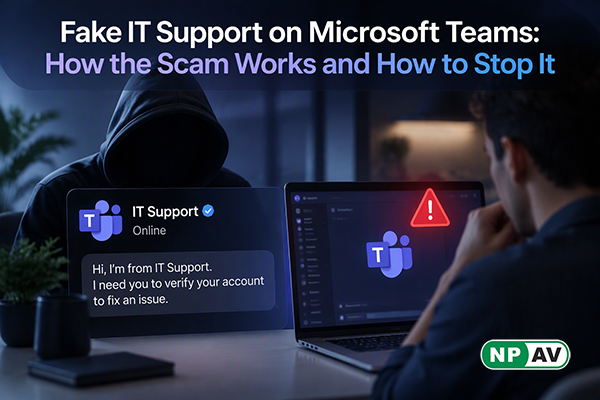
An inbox suddenly filling with hundreds of newsletters can feel like a technical problem that needs urgent attention. But that burst of email may be followed by a more serious risk: a Microsoft Teams message from someone claiming to be IT support. The reported scam uses this sequence to build trust and persuade employees to give an outsider access to their computer.
The messages may come from external accounts with names such as “Help Desk” or “IT Support,” sometimes including the target company’s name. After the employee is distracted by the email flood, the impostor offers help and may ask them to start a remote-access tool such as Quick Assist, AnyDesk, ScreenConnect or TeamViewer. These are legitimate tools, but an unverified person using them can gain hands-on access to a device.
Once connected, attackers may explore the organisation’s systems, install additional software, copy sensitive data and, in some cases, deploy ransomware. The reported activity targets organisations that allow external Teams access. It does not rely on a software flaw: the attacker depends on an employee believing that the support request is genuine. No Indian victims were identified in the report, but the approach is relevant to Indian businesses that use Teams and Microsoft 365.
Treat an unexpected support message with caution, especially after a sudden wave of spam. Verify the request through a known internal phone number or ticketing system. Don’t install software or run commands at a stranger’s direction. Businesses can limit external Teams chat to trusted contacts, explain how their IT team normally reaches staff, monitor for unauthorised remote-access tools, and keep offline backups.
For PC users, NPAV Total Security lists real-time protection and ransomware mitigation. It can add a device protection layer, alongside staff verification and sensible Teams access settings.

Comment(s)
Recent Posts