ClickFix Attack Explained and How to Avoid ROMULUS Malware
Posted:
October 21, 2026
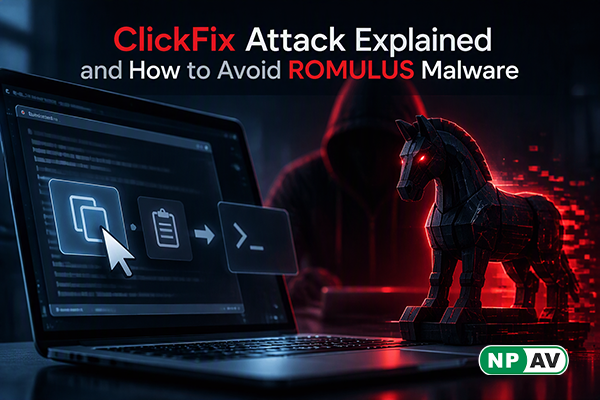
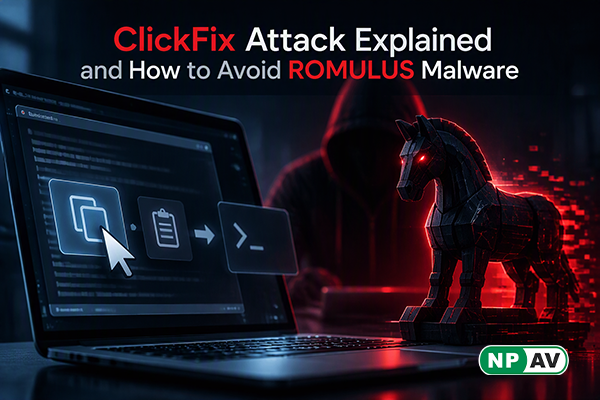
A website asking you to copy and paste a command to fix an error or complete a security check could be trying to infect your computer. This technique, known as a ClickFix attack, tricks users into running malicious commands themselves instead of exploiting a software vulnerability directly.
A newly reported platform called ROMULUS uses fake web pages to deliver malware through this approach. The attack begins when a visitor follows instructions on a deceptive page and runs a command on Windows. The command launches a PowerShell script that downloads the next stage of the infection. Depending on the delivery method, this can involve a modified MSI installer containing a malware loader or an encrypted archive carrying LegionLoader, which can fetch additional malicious software from a remote server.
The danger is that these instructions can appear convincing. Fake verification screens, error messages and misleading online guides may persuade users to follow steps without understanding what they are executing. The reported investigation identified six IP addresses associated with the ROMULUS platform, but no victim count was provided. The report did not identify Indian victims; however, the same technique could target home users and employees in India through malicious websites.
To reduce the risk, never paste commands from unfamiliar websites into Windows Run, Terminal or PowerShell. Legitimate CAPTCHA checks do not require users to execute system commands. Download applications only from official sources, keep Windows and browsers updated, and use reliable security software. Businesses should also educate employees about ClickFix scams and monitor suspicious PowerShell activity. If you accidentally run an unknown command, disconnect the affected device from the network, perform a full security scan, change important passwords from a clean device and notify your IT team if the computer belongs to your organisation.
Net Protector Total Security offers anti-malware protection, anti-phishing features and a firewall to help strengthen PC security. However, security software works best alongside safe browsing habits. Avoid running commands from unfamiliar websites, even when they appear to offer a quick fix.

Comment(s)
Recent Posts